Checking your website’s SEO health is one of the fastest ways to identify what’s holding your rankings back. And instead of guessing, tools like SEMrush can provide users with a structured way to diagnose issues and improve performance, which leads to the question: How do I use the SEMrush website checker?In this quick guide, MKT Software will explain what the SEMrush website checker is and how to use it step by step.
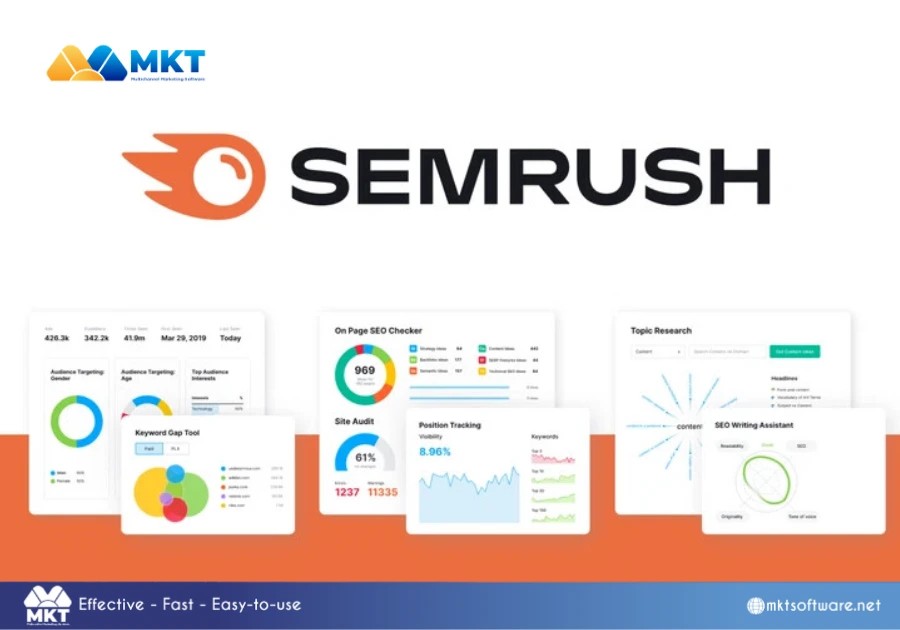
SEMrush is an all-in-one SEO and digital marketing platform used to analyze websites, research keywords, monitor rankings, and evaluate competitors.What makes SEMrush particularly valuable is its ability to connect multiple SEO tasks into one workflow. Rather than using separate tools for audits, keyword research, and tracking, you can manage everything within a single interface. This is especially useful for beginners who need a clear and structured starting point.SEMrush is an all-in-one SEO and digital marketing platform
What is SEMrush website checker?
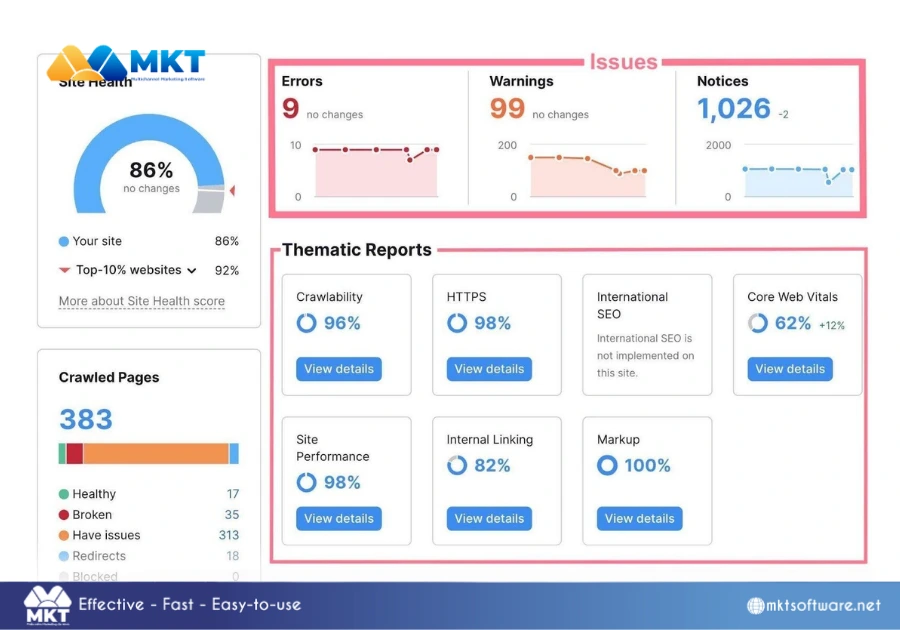
The SEMrush website checker typically refers to the Site Audit tool, which evaluates the technical health of your website.This tool works by crawling your site in a way similar to search engine bots and identifying issues that may affect your visibility in search results. It provides insights into areas such as:
Crawlability and indexability.
Broken links and redirects.
Duplicate content.
Page speed and performance.
Internal linking structure.
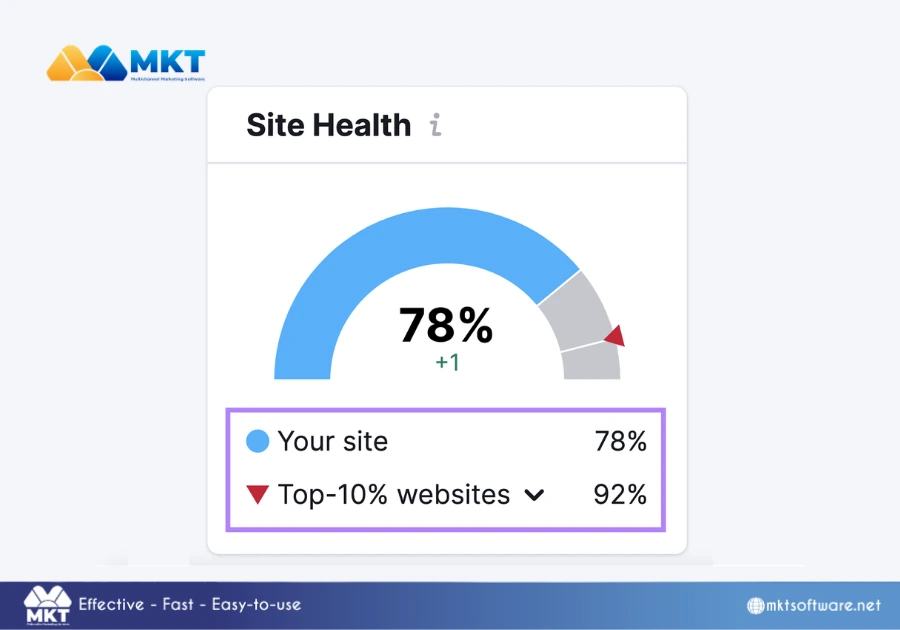
The results are summarized into a Site Health score, giving you a quick overview of how well your website is optimized from a technical perspective.Want to know more about SEMrush features? Read: A Strategic 2026 Guide to Using SEMrush Features SEMrush website checker typically refers to the Site Audit tool
How do I use the SEMrush website checker?
Using the website checker in SEMrush is a structured process that helps you evaluate and improve your website’s technical SEO. While the tool itself is easy to access, following the steps in the correct order ensures that the insights you receive are both accurate and actionable.
Step 1: Create a project and access Site Audit
Start by logging into SEMrush and navigating to the Projects section. Enter your domain to create a new project, then select the Site Audit tool.At this stage, you can also connect tools like Google Search Console to enhance data accuracy. Setting up your project correctly ensures that all future audits are consistent and reliable.
Step 2: Configure crawl settings
Before running the audit, define how SEMrush should crawl your website. This includes setting:
The number of pages to scan.
The crawl source (entire site, sitemap, or specific URLs).
Device type (desktop or mobile).
These settings determine the scope of your audit, so it is important to configure them based on your website size and structure.How do I use the SEMrush website checker – Configure crawl settings
Step 3: Run the website audit
Once everything is configured, start the audit. SEMrush will crawl your website similarly to a search engine, analyzing technical elements such as page structure, links, and performance.The process may take a few minutes depending on the number of pages being analyzed.
Step 4: Review the Site Health score and issue categories
After the audit is complete, SEMrush provides a Site Health score along with a breakdown of issues into:
Errors (critical issues)
Warnings (moderate issues)
Notices (minor improvements)
Rather than focusing only on the score, you should use this overview to understand the overall condition of your website and identify priority areas.How do I use the SEMrush website checker – Review the Site Health score
Step 5: Analyze and fix key issues
Dive into the detailed reports to examine specific problems, such as broken links, duplicate content, or slow-loading pages.Focus first on issues that affect crawlability and indexability, as these have the greatest impact on search performance. Each issue includes recommendations, allowing you to implement fixes systematically.
Step 6: Re-audit and monitor progress
After making improvements, rerun the audit to track changes and measure progress. Regular audits help ensure that your website remains technically optimized as new content is added or updates are made.Over time, this iterative process allows you to maintain a strong technical foundation and support long-term SEO growth.Want to know how SEMrush can benefit your SEO strategies? Read: What are the benefits of using SEMrush for SEO?How do I use the SEMrush website checker – Re-audit and monitor progress
Final thoughts
While the process to use the SEMrush website checker itself is simple, the real value comes from consistency. Regularly auditing your website and addressing issues ensures that your site remains accessible, optimized, and competitive in search results over the long term.