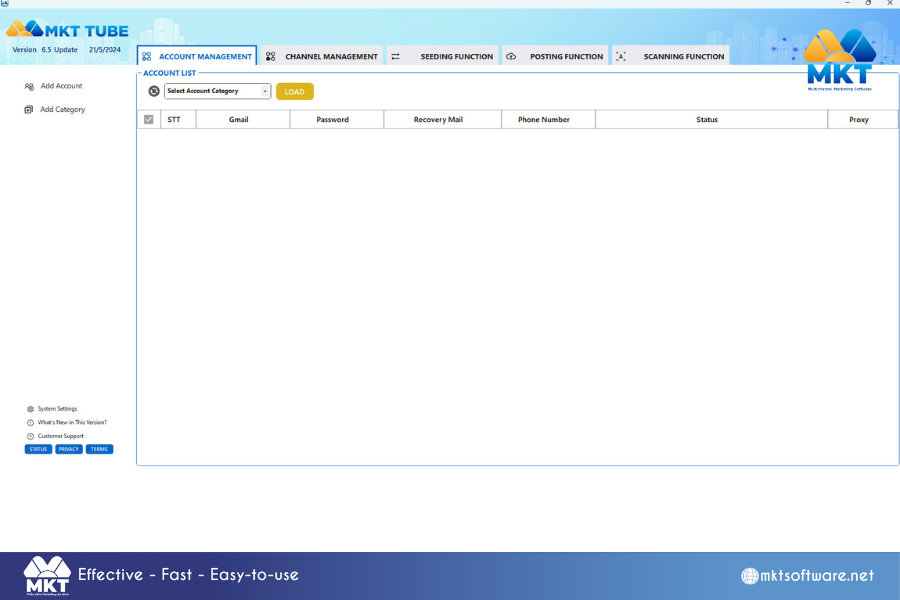
Download MKT Tube software
To download the latest installation and update of the automated YouTube interaction booster MKT Tube, please access the link below to download the installation package:- MKT Tube software installation package download link: https://tai.phanmemmkt.vn/mkttube.rar
- MKT Tube software update download link: https://tai.phanmemmkt.vn/updatetube.rar
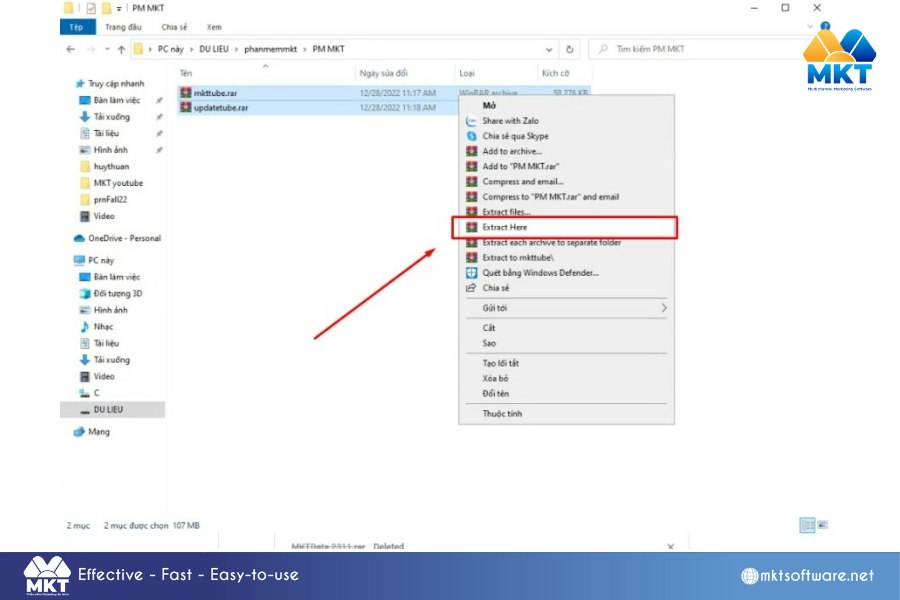
Guide to installing MKT Tube software
Below, MKT software will guide you through the steps to install MKT Tube softwareStep 1: Install MKT Tube software
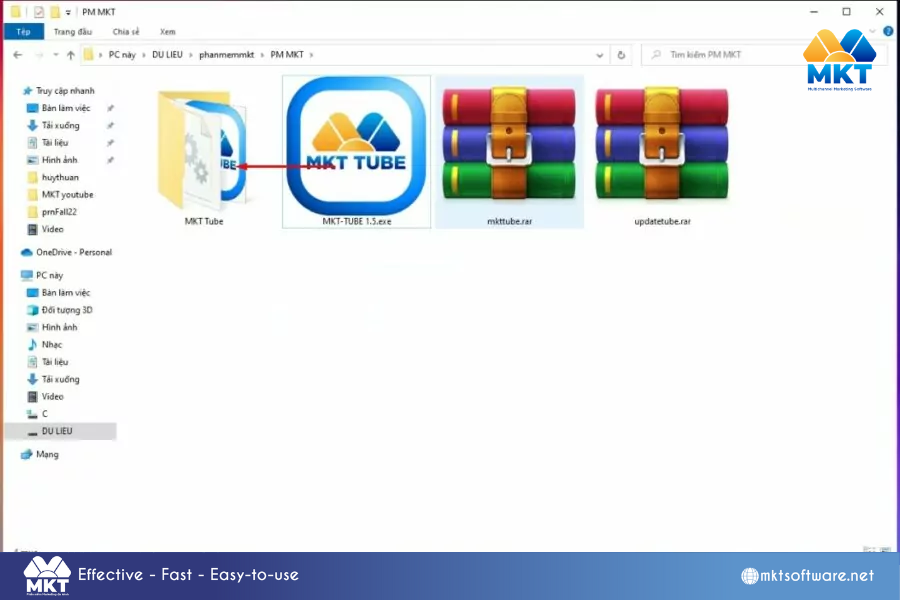
- Then copy the latest MKT-TUBE x.y.exe version into the MKT Tube folder (where x.y is the version number of MKT Tube software)
- Next, open the MKT Tube folder and Double left-click on the latest MKT Tube version to launch the software
Step 2: Register to use MKT Tube software
After opening MKT Tube software, please log in with the Email account and Password you registered with MKT Software. If you don’t have a login license, please select Register -> Fill in information about Full name + Email + Phone number + Password Next, contact MKT’s sales department via Hotline +84.982.674.550 for consultation and support to activate the software